

For Android users who regularly handle compressed files, a reliable and powerful file archiver is an essential tool. ZArchiver stands out as a comprehensive solution, offering robust functionality for both casual and power users who need to manage ZIP, RAR, 7z, and many other archive formats directly on their device. Its strength lies in providing deep file system access and advanced compression options without overwhelming the user.
Core Compression and Extraction
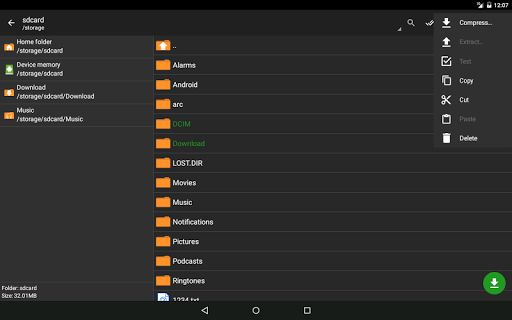
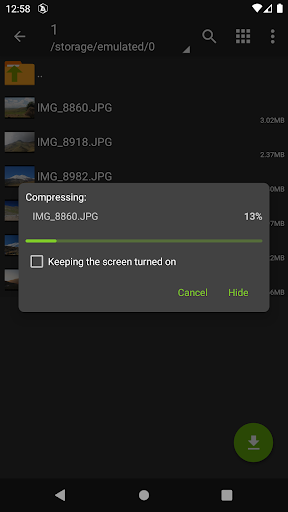
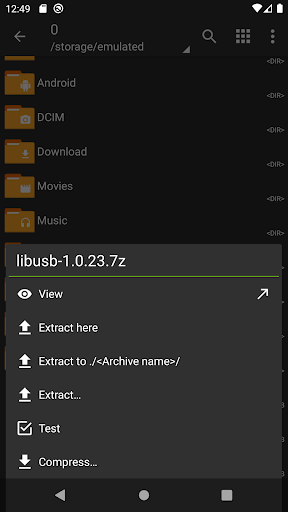
At its heart, ZArchiver excels at creating and unpacking a vast array of archive formats. Users can compress files and folders into common formats like ZIP and 7z, or even into less common ones such as TAR or XZ. The app handles extraction with equal proficiency, supporting everything from standard ZIP files to encrypted RAR archives and multi-part volumes, which is crucial for managing large files downloaded from the internet.
Advanced File Management Capabilities
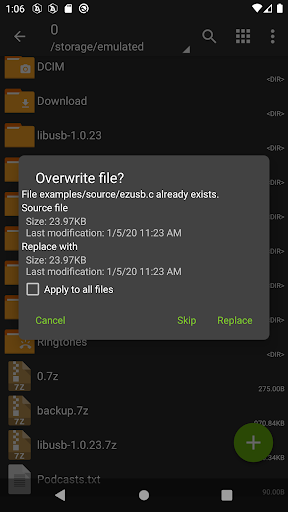
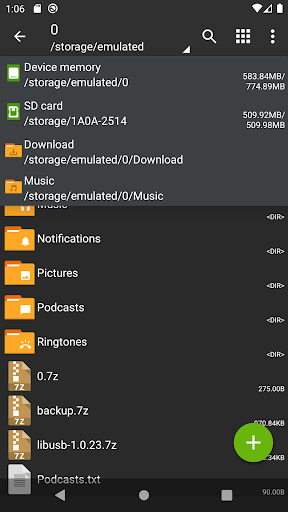
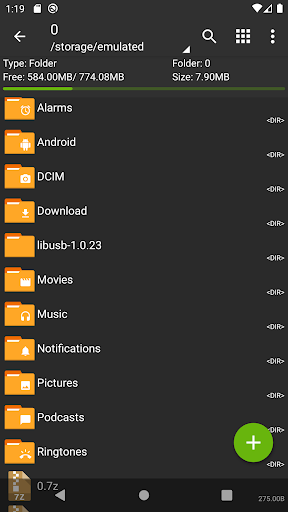
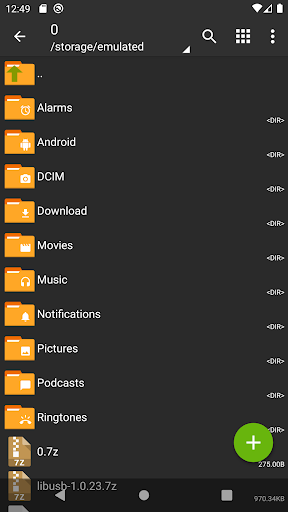
Beyond basic archiving, the app functions as a capable file manager. It allows users to browse their device’s internal and external storage, copy, move, rename, and delete files with ease. A particularly useful feature is the ability to view and edit text files directly within the application, eliminating the need to open another app for quick edits to configuration files or scripts stored inside an archive.
Working with Encrypted Archives
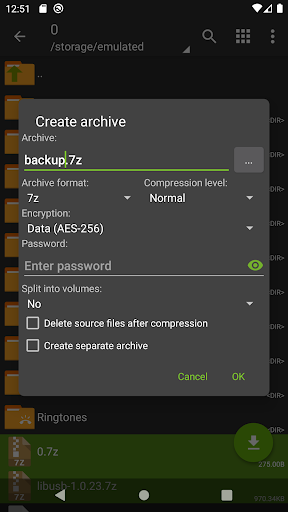
Security is a key consideration, and ZArchiver provides strong support for password-protected archives. Users can create new encrypted archives using AES-256 encryption for formats like 7z and ZIP, ensuring sensitive data remains secure. It can also seamlessly open and extract content from password-protected archives created by other popular desktop software, maintaining a smooth workflow across platforms.
Customization and Archive Editing
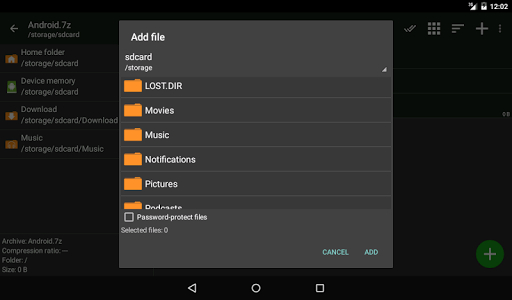
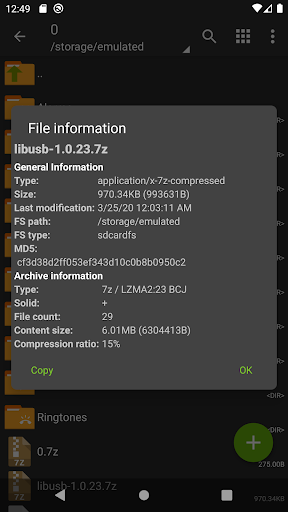
The application offers a notable degree of control for advanced operations. Users can add or remove files from existing archives without having to extract and recompress everything, saving considerable time and storage space. It also supports modifying archive comments and viewing detailed technical information about compression methods and file structure, which is valuable for troubleshooting or specific technical requirements.
Efficient Handling of Large Files
ZArchiver is engineered to work efficiently with large files, a common need for professionals and enthusiasts. Its ability to create and extract multi-volume archives helps in splitting large backups or media collections into manageable parts for easier storage or transfer. The app generally maintains good performance even when processing gigabytes of data, provided the device has sufficient available memory.
Frequently Asked Questions
The app itself is a trusted tool that operates locally on your device. Its security for sensitive files depends on your use of its encryption features. When creating archives containing private data, you should always utilize the strong AES-256 password encryption option provided within the app.
ZArchiver supports a very wide range of formats, including creating and extracting ZIP, 7z, RAR, TAR, GZIP, BZIP2, and XZ. It can also open many other formats for extraction only, such as ISO and ARJ, making it highly versatile for handling almost any compressed file you encounter.
Yes, one of its core strengths is full compatibility with archives created on other platforms. If you have a password-protected RAR file created using software like WinRAR on a Windows PC, you can open and extract its contents on your Android device using ZArchiver by simply entering the correct password.